
A couple of month ago I wrote about having too many passwords and the problem of remembering them all. You can find that blog post here.
One of the solutions I mentioned was called “LastPass”. I said I would give it a try.
We tried it…and we LIKE it…a LOT!
You simply sign up (there’s a free version), create a MASTER PASSWORD and add it to your browser(s) and phone. Every time you log in to anything that you need a password for, LastPass does one of two things.
1. If it’s your first visit to a new site or your first visit since you installed LastPass, it simply asks you if you want to add the site to your LastPass. From then on it securely remembers your username and password.
2. If LastPass has stored your info, it fills in the username and password for you. Log in is a breeze. If you log out of LastPass, the only password you need to remember is your Master Password to get back in to LastPass.
We signed up for the Family version. It was a no-brainer. A single account is $2/month. You get 6 separate LastPass accounts with the Family version for just $4/month.
If you’d like to try LastPass for yourself CLICK HERE. By using this link you’ll get 1 free month of Premium.
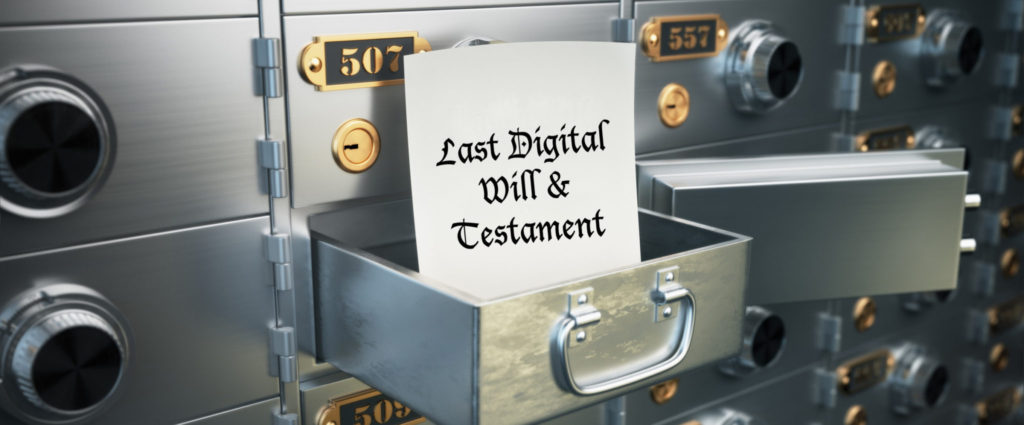
So What’s This About A Digital Will?
After I signed up for the Family version, I got to thinking who the other 4 people could be (there is just the two of us…so that leaves 4 spots open). One for sure is my Dad. He’ll be turning 97 in September and he uses his computer for lots of things…each needing a password.
Then a blog post from LastPass arrived all about Digital Wills. Here’s a brief excerpt…
“At some point in your life, you will likely have assets and investments that you need to make arrangements for in the event of your passing. You may also have children, spouses or other loved ones who need to be looked after if something happens to you. And at some point, you may need to care for a spouse or close family member, or put their affairs in order after they pass on.
Nothing can spare us the heartache of these life events, but you can prevent unnecessary difficulties and stress by planning ahead. When preparing a will, many of us focus on our monetary and physical assets. But what about social media accounts? Or email addresses? Or the myriad of online accounts we use to manage our lives, every day?
Making a “digital will” that includes passwords and other important digital details will go a long way in helping those who need to settle your affairs, or in helping you if you need to settle the affairs of others.”
If you’d like to read the rest of it here’s the link: Preparing a Digital Will
So now with my Dad as part of my LastPass family, I know that when the time comes I will be able to quickly access all of his digital life. That’s a great feeling.
Here’s a link to a checklist for using LastPass to create a Digital Will Checklist. Even if you don’t use LastPass, the information is valuable to consider.
Have you had any disasters or positive experiences with dealing with the aftermath of a death in the family? Please share them in the comments below. It may help others when they are dealing with a family death.

